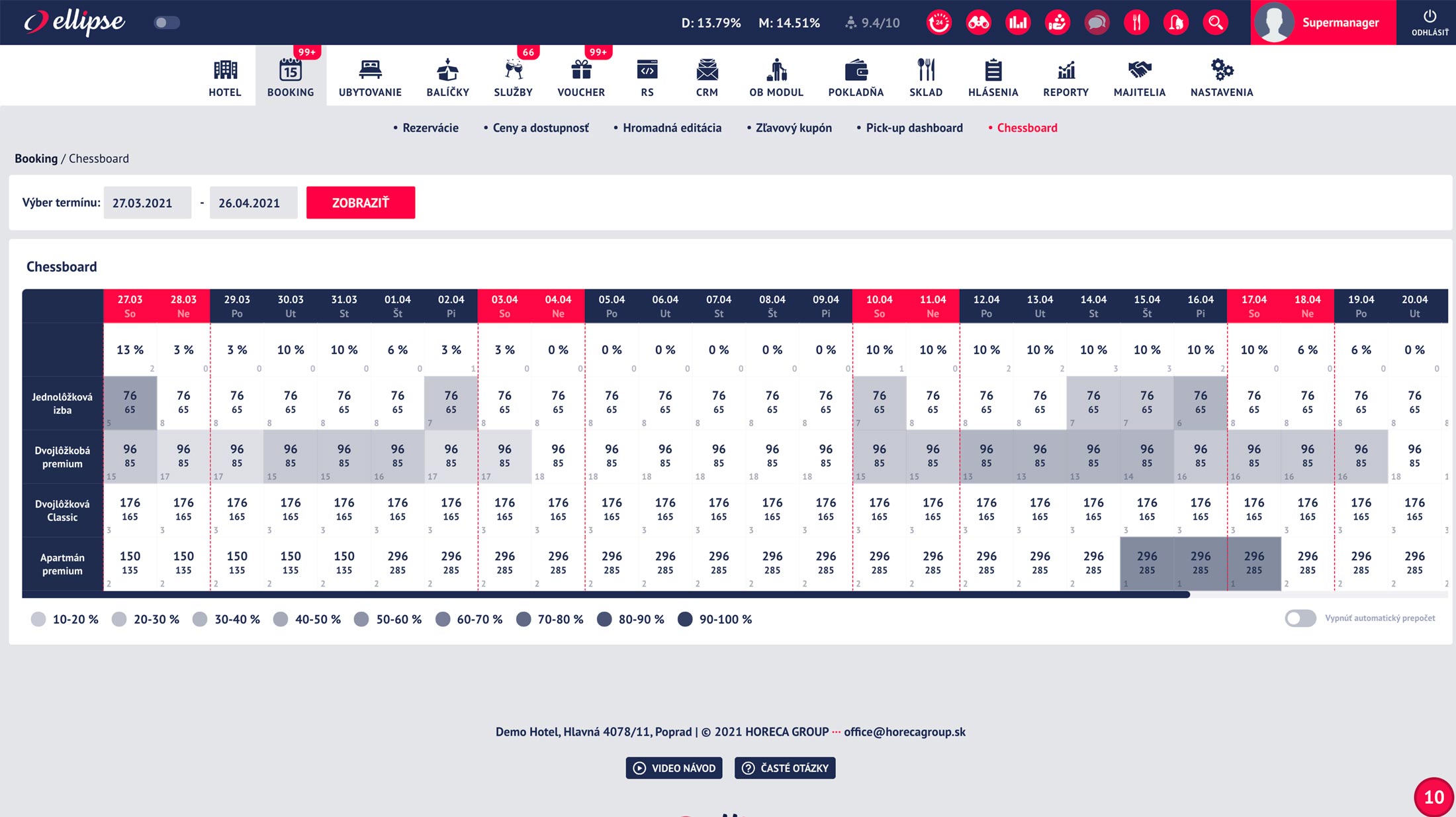


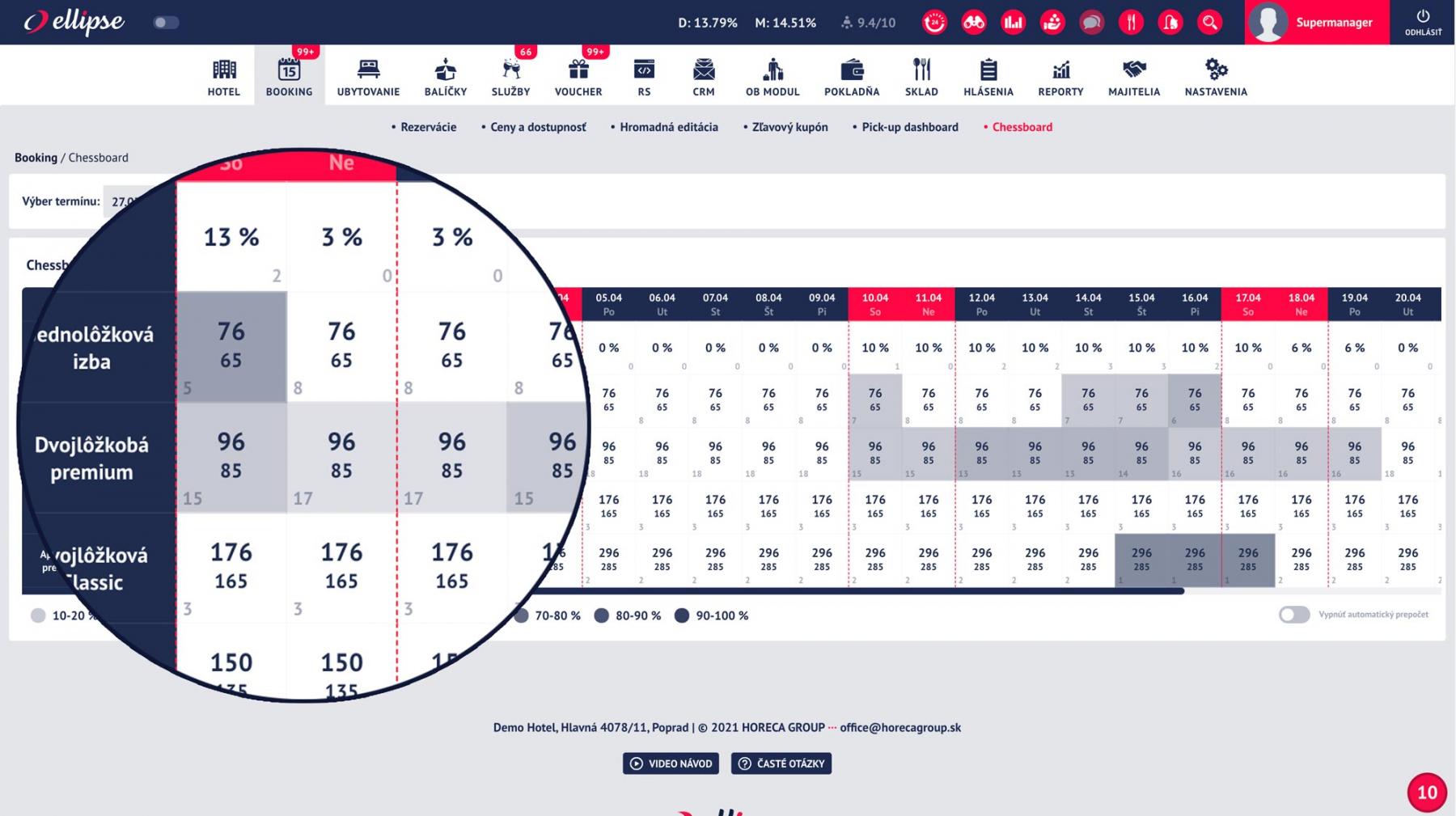
The Ellipse system also includes a clear, interactive Chessboard that, with a single click, provides you with an overview of pricing and occupancy for all room types in your property or under your management. The chessboard, colored in various shades of blue, displays the current occupancy rate for each specific room type. The higher the occupancy rate, the darker the color of the corresponding cell.
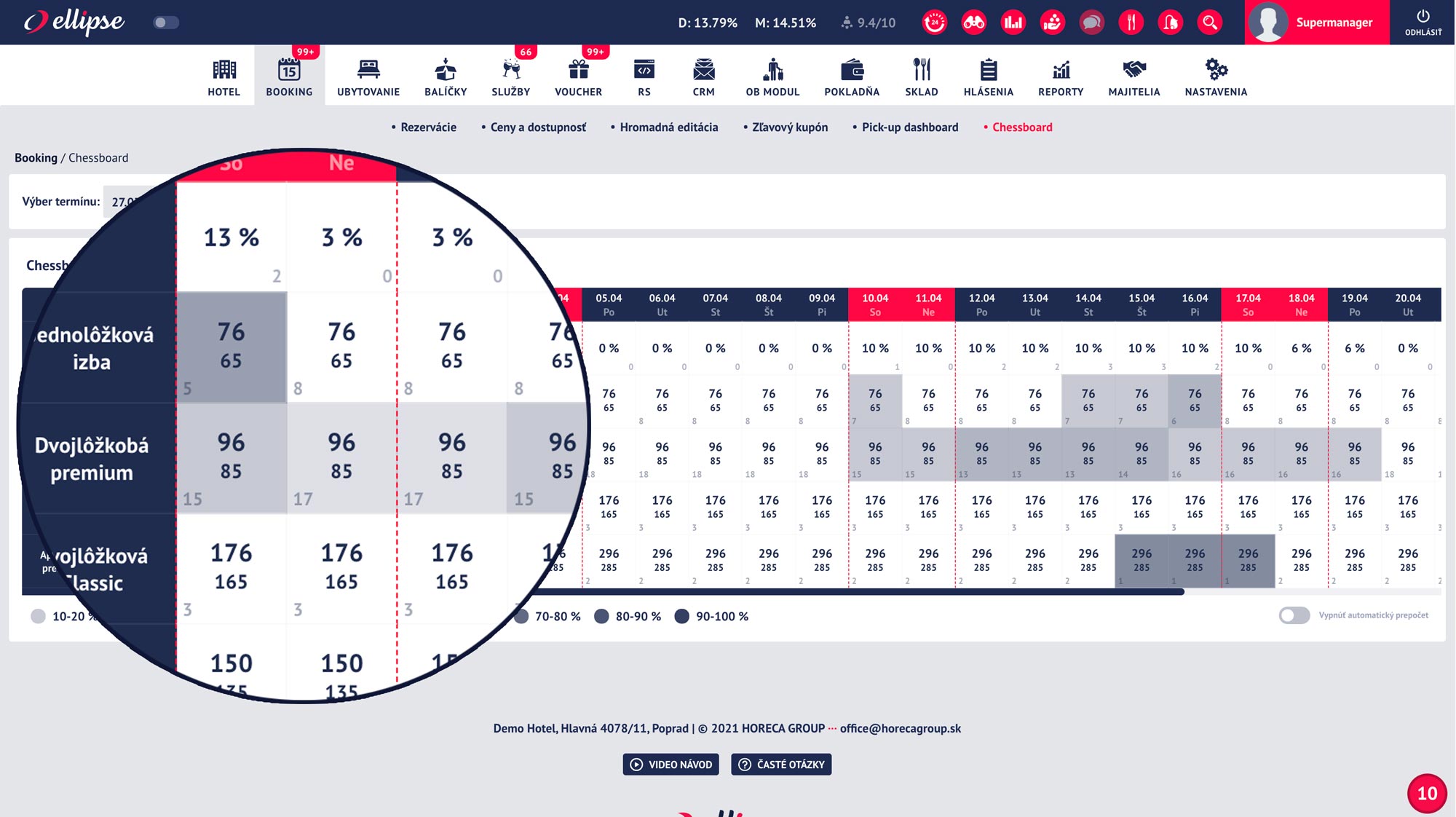
What can you do with the Chessboard?
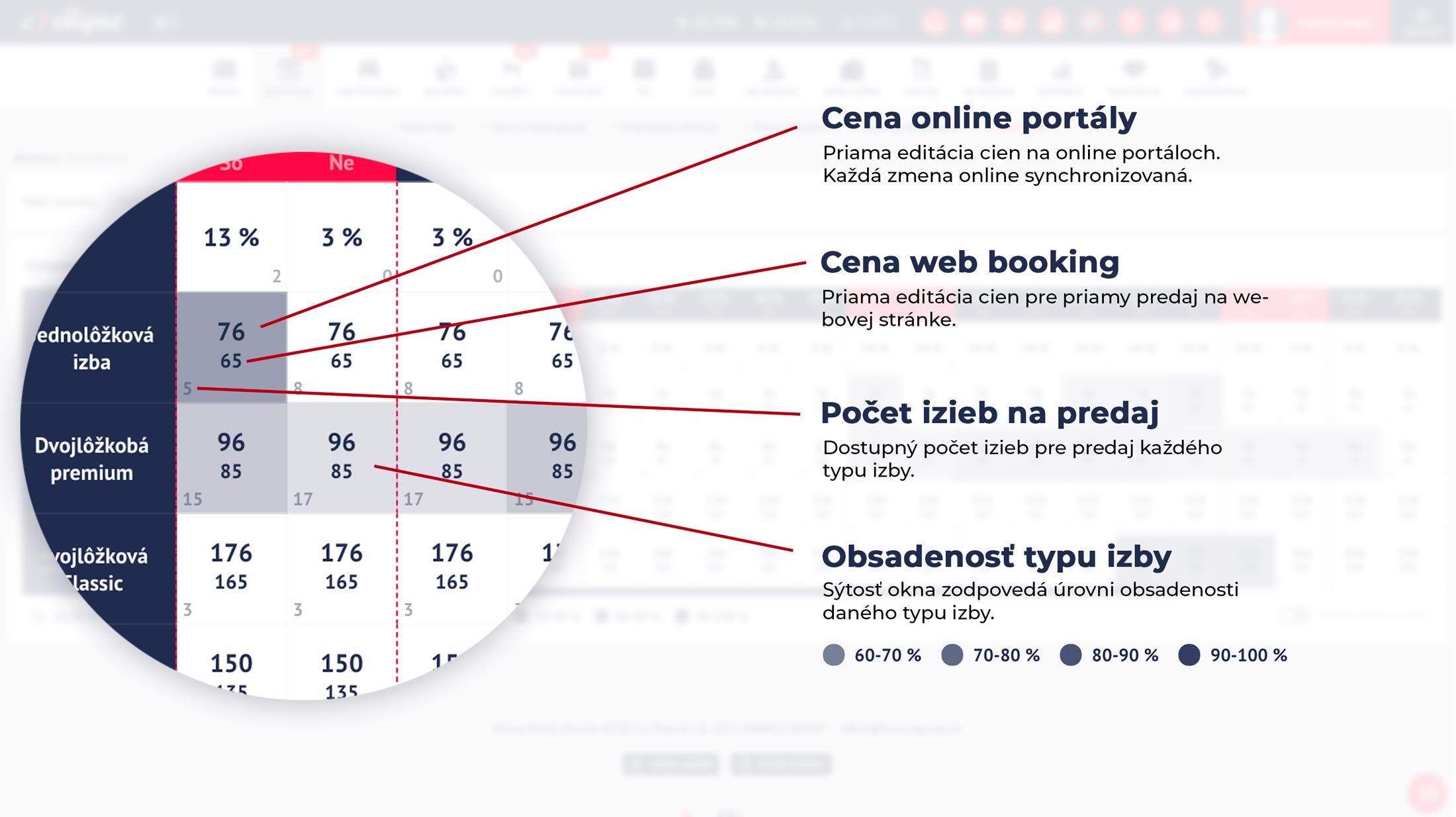
In addition to an overview of the overall occupancy of the hotel or accommodation units, you get a quick overview of the occupancy of individual room types. The prices displayed are your current selling prices for online portals as well as direct sales on the booking website. With a simple click and by setting a new price, your selling prices are updated and sent to the connected online portals.
Why is Chessboard useful for me?
A comprehensive overview of occupancy—even up to half a year in the future—provides real-time insight into actual demand for specific dates. With a quick glance at the “chessboard,” you can identify dates with higher demand and respond flexibly by adjusting your prices—changes that are sent to all your connected portals and your direct website booking system with a simple update.
- Quick overview of occupancy for all room types
- Quick and easy price adjustments for all room types
- Direct submission to the channel manager
- Instant price updates in the online booking system
- Early identification of dates with higher demand
- Can be combined with flexible pricing and automated pricing