


What we hear when we sit down with operators
Two bookings on one room can mean three completely different situations: the same booking written twice, the wrong physical room assigned, or a real overbooking of the whole category.
Each case has a different fix. If the desk reacts before it checks the source and the availability of the category, it can create another problem.
Why fixing a single step is not enough
First find out whether the problem is in the data, in the room allocation or in the capacity that was sold. Only then does it make sense to change the booking.
Check whether it is a duplicate
Compare the name, the dates, the booking source, the external ID and the time it was created. In a rare error the same order can be written twice.
A duplicate record is not solved by moving the guest. It is solved by removing or correcting the faulty record according to the history.
Check the category and the specific room
Two valid bookings can sit in the same category while the system has assigned them to the same physical room by mistake. If another room of the same category is free, the fix is operational.
The standard promised to the guest does not change.
In a real overbooking, deal with the guest, not the colour on the chart
If the whole category is sold out, you need to weigh the alternative: an upgrade, a move to another property, a conversation with the guest and any compensation rules the hotel has.
The booking history helps you see which channel created it and what was confirmed to the guest.
After the incident, look for the cause
If it was OTA synchronisation, mapping or a manual change, the problem has to be removed at the source.
An incident without a follow-up analysis can repeat on the next strong date.
WHAT CHANGES ON SITE
What changes in the daily work
- The desk can tell a duplicate from a real overbooking.
- Fewer unnecessary moves of bookings.
- The guest gets a solution according to what was promised.
- The incident has a history that can be traced.
- The cause can also be fixed in the system.
CONNECTED ELLIPSE MODULES
The solution does not live in an isolated module
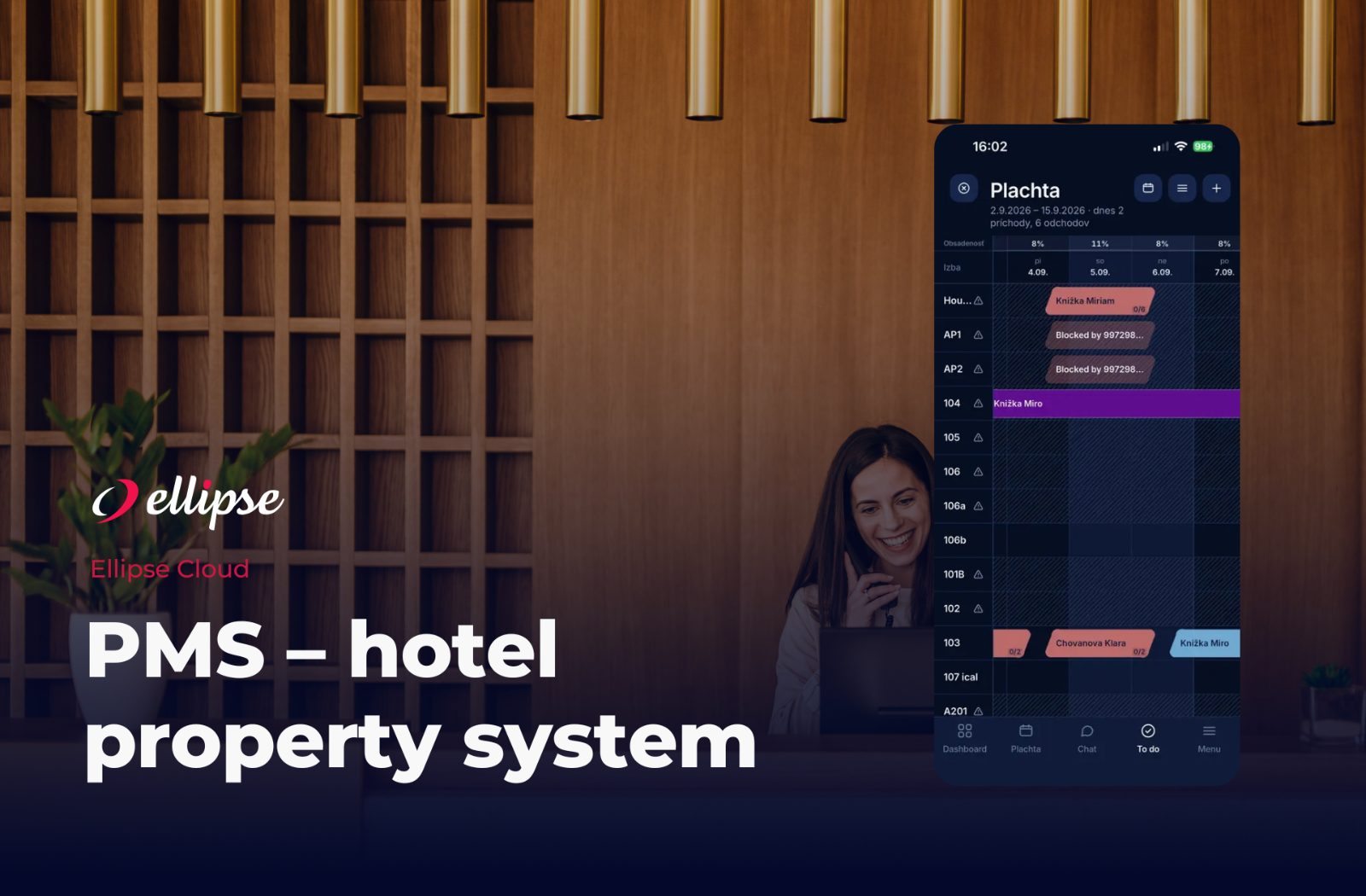 Hotel PMS
 Channel Manager
COMMON QUESTIONS
What operators ask us
Is every collision on the chart an overbooking?
No. It can be a duplicate or a bad assignment of the physical room.
What should you check first?
The booking source, the external ID, the category, the dates and the time it was created.
Can the system automatically decide which guest to move?
That decision should be made by the hotel according to the contract and the commercial terms.
How do you prevent the incident next time?
Check the mapping, the channel synchronisation and the internal manual changes.
HOW WOULD THIS WORK FOR YOU?
Let us see how the desk would handle a real collision on the chart
On a model example we separate a duplicate, a bad allocation and a real overbooking, and we show what information the team has.